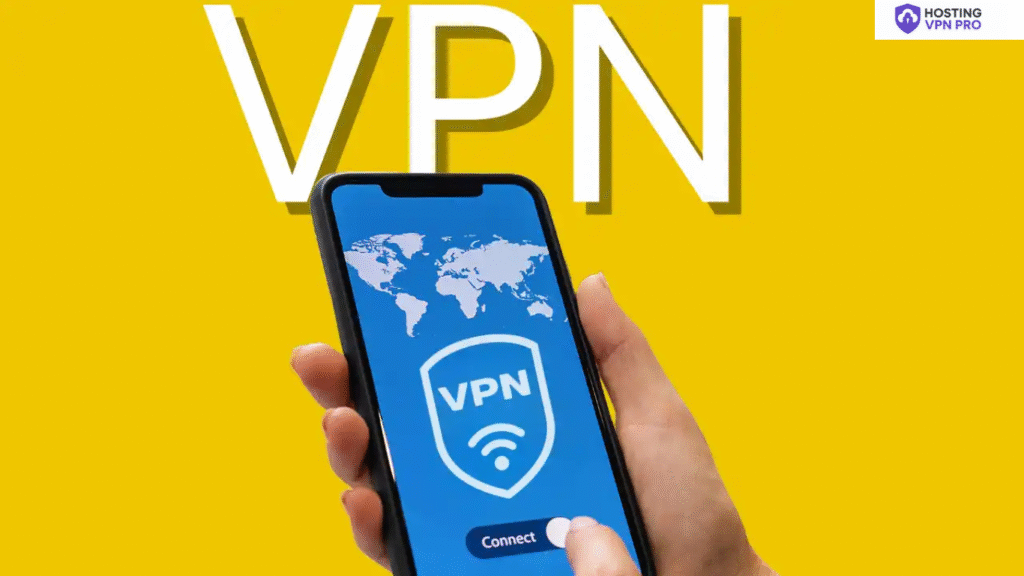

In a digitally connected world where privacy is a new currency where personal data is valuable than ever but vulnerable too. When you browse the internet, use public wifi, you are leaving your online traces of sensitive data that hackers can steal.
From credit details to password, cybercrimals search for weak points in your internet connection. This is where a reliable VPN (Virtual Private Network) plays a key role.
In this article by hostingVPNpro, we will guide you to choose the right VPN for your online security and make your digital footprints secure.
Table of Contents
The Risks Behind Everyday Online Activity
When you connect to the internet, your device communicates through a network of servers. This process reveals your-
- IP address
- Browsing history
- Login credentials
- Banking and personal details
Without Protection-
- Hackers using man-in-the-middle attacks
- Fake Wi-Fi networks
- Malicious websites
- Data brokers who sell your data
Also Read– Top VPNs That Actually Protect Your Data
What is a VPN?
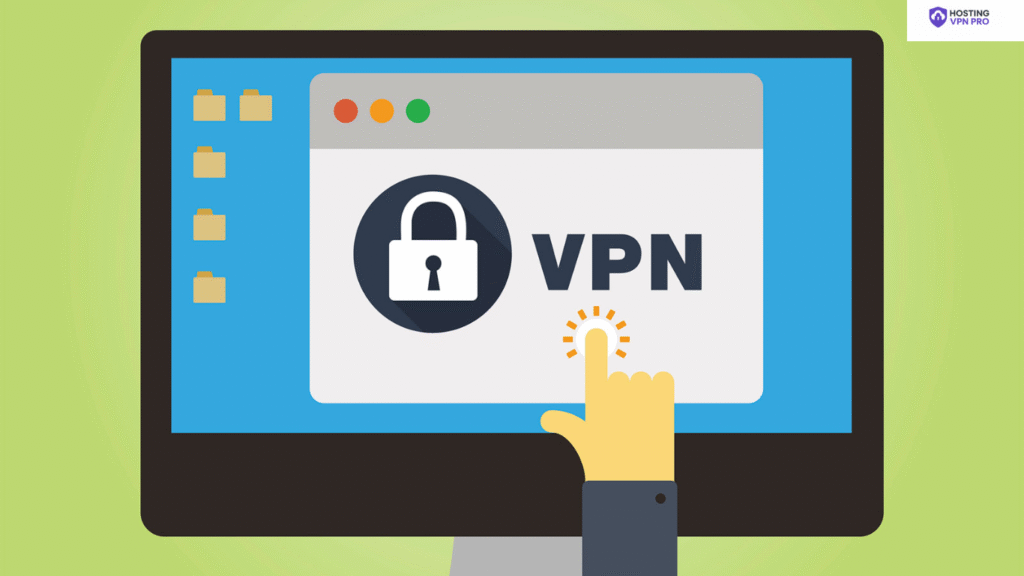
A VPN (Virtual Private Network) is a tool that creates a safe and secure connection between your device and the internet.
When you use a VPN-
- Your data is encrypted.
- Your IP address is hidden.
- You connect through secure servers.
How a VPN Protects Your Personal Data from Hackers
Encryption
It converts your readable data into encrypted code that can only be decoded by the server.
IP Hiding-
Every time you browse, your IP address exposes your location and can be used to track your location.
Security on Public Wi-Fi
Hackers create fake hotspots with similar names to connect, they can steal your data.
Using a reliable VPN on public Wi-Fi creates a secure encrypted channel between your device and the internet
Stops Tracking
Many websites use trackers, cookies to monitor your browsing behaviour.
A VPN prevents these trackers from linking your online activities to your real identity
Unblock Geo-Restrictions
Bypassing geo-blocks is another advantage of using a VPN.
Secure Remote Work Connections
A VPN ensures that sensitive company data transmitted over the internet remains secure.
Defense Against Cyber Attacks
VPNs provide a first line of defense against many cyber threats like-:
- Attacks in gaming and streaming
- Phishing attempts
- Data sniffing
Why VPN Security Has Become a Digital Necessity
The world is growing at a very fast pace and so are cyber criminals. Sensitive data breaches and online scams have risen in the last few years.
From social logins to online shopping, everything we do online generates digital footprints.
Without protection-
- Sold to third parties
- Used for identity theft
- Exploited for scams or frauds
What to Look for in a Reliable VPN Provider
- No-Logs Policy – It makes sure that your online activity is not logged.
- Kill Switch – disconnects your internet if the VPN connection drops.
- Fast Servers Worldwide – for fast and secure browsing and streaming.
- Multi-Device Support – Support unlimited devices like phone, laptop, and tablet.
hostingVPNpro Insight
A reliable VPN is for everyone who values digital and online privacy. Whether you are a student, a traveler using public wifi, a VPN helps to create a safe and secure private for your online life.
Step-by-Step: How to Stay Safe with a VPN
- Download a trusted VPN app
- Install it on all your devices
- Create an account
- Connect to a secure server
- Browse safely
FAQs
Q1. What exactly does a VPN do?
A VPN encrypts your internet connection and hides your IP address, making your online activity private and secure.
Q2. Can hackers still access my data with a VPN?
No, VPN encryption makes your data unreadable to hackers or anyone trying to spy on your connection.
Q3. Is using a VPN legal?
Yes, VPNs are legal in most countries when used for legitimate purposes.
Q4. Will a VPN slow down my internet speed?
Slightly, but premium VPNs like hostingVPNpro use high-speed servers to minimize impact.
Q5. Should I use a VPN on public Wi-Fi?
Absolutely! Public Wi-Fi is a hacker’s paradise — always use a VPN to stay safe.
Q6. Can I use a VPN on my phone?
Yes, VPNs work on mobile devices too — Android and iOS both support them.
Q7. What’s the difference between a free VPN and a paid one?
Free VPNs often log your data or inject ads, while paid VPNs like hostingVPNpro offer secure, private, no-log services.
Q8. How does a VPN protect my identity?
By hiding your IP address and encrypting your connection, making you anonymous online.
Q9. Can a VPN prevent phishing attacks?
While a VPN won’t stop phishing emails, it adds a layer of encryption that prevents data theft if you accidentally click a malicious link.
Q10. Which VPN is best for privacy?
Choose one with a strict no-logs policy, strong encryption, and global server coverage — like hostingVPNpro.


